Your Supernote just got a new superpower.
Loosely translated: make it yours.
Plugin
A small add-on, one more thing your Supernote can do. Like a browser extension, but for your notes and documents.
Dictionary. Flashcards. Shapes. Infinite Canvas. Calculator. Timer. OCR Headings. Games…
Dozens of plugins, dozens of possibilities.
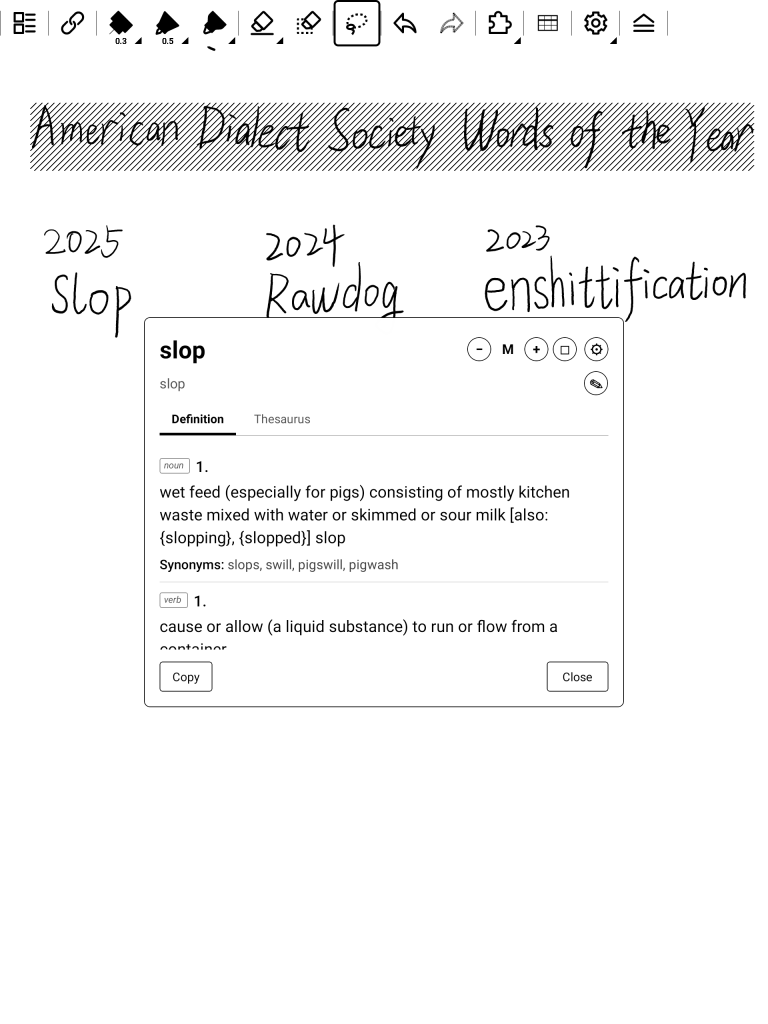
Dictionary
Lasso your handwriting or select words to find the definition. Offline!
by Decent_Tap_5574
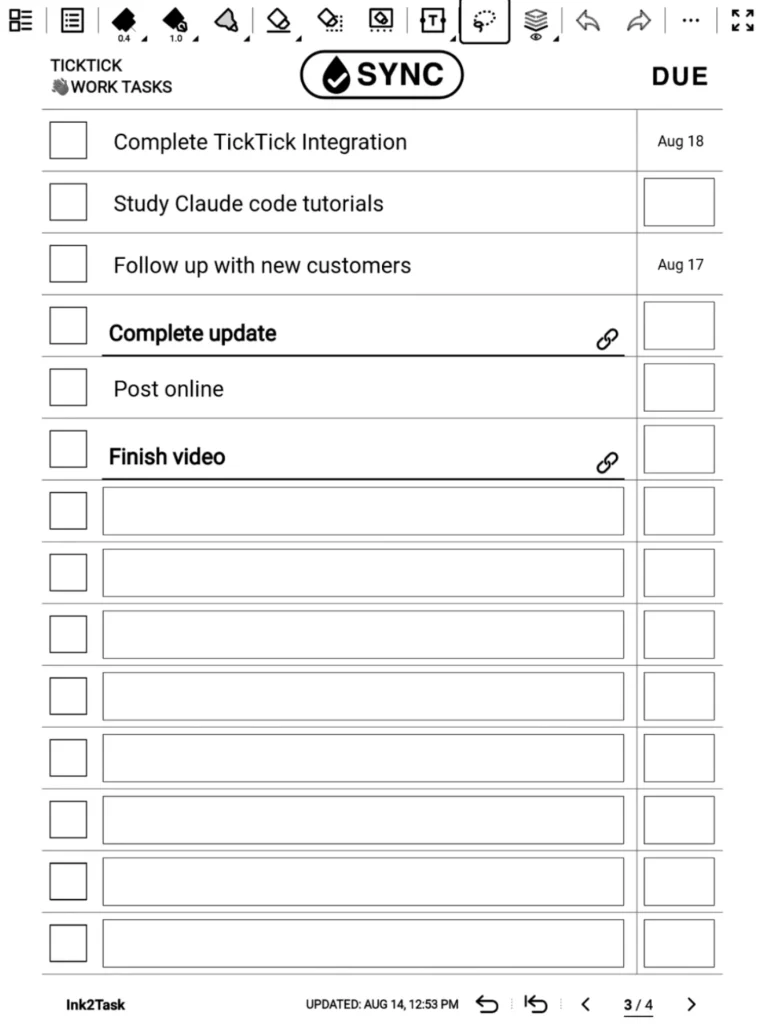
Ink2Task
Turns a handwritten checklist into real tasks in Apple Reminders, Google Tasks, or Todoist and keeps them in sync in both directions
by Lvevan
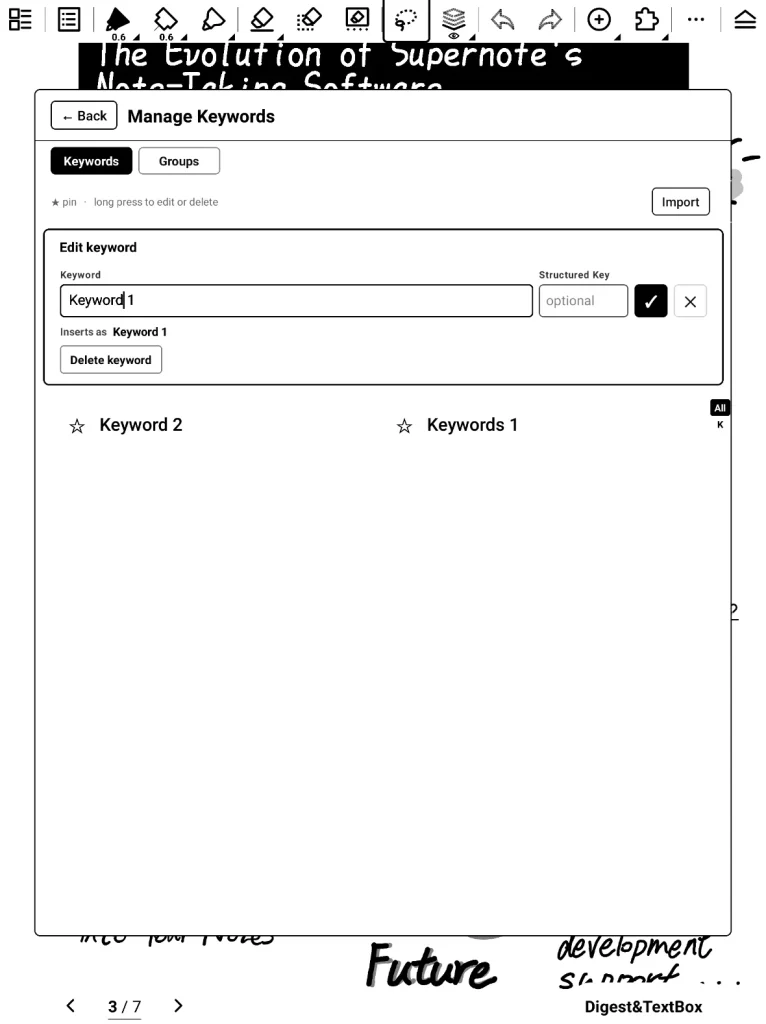
Keyworder
Stamp your most-used keywords onto a note page with a single tap, and automatically adds them to the device’s native keyword navigation index.
by tao22
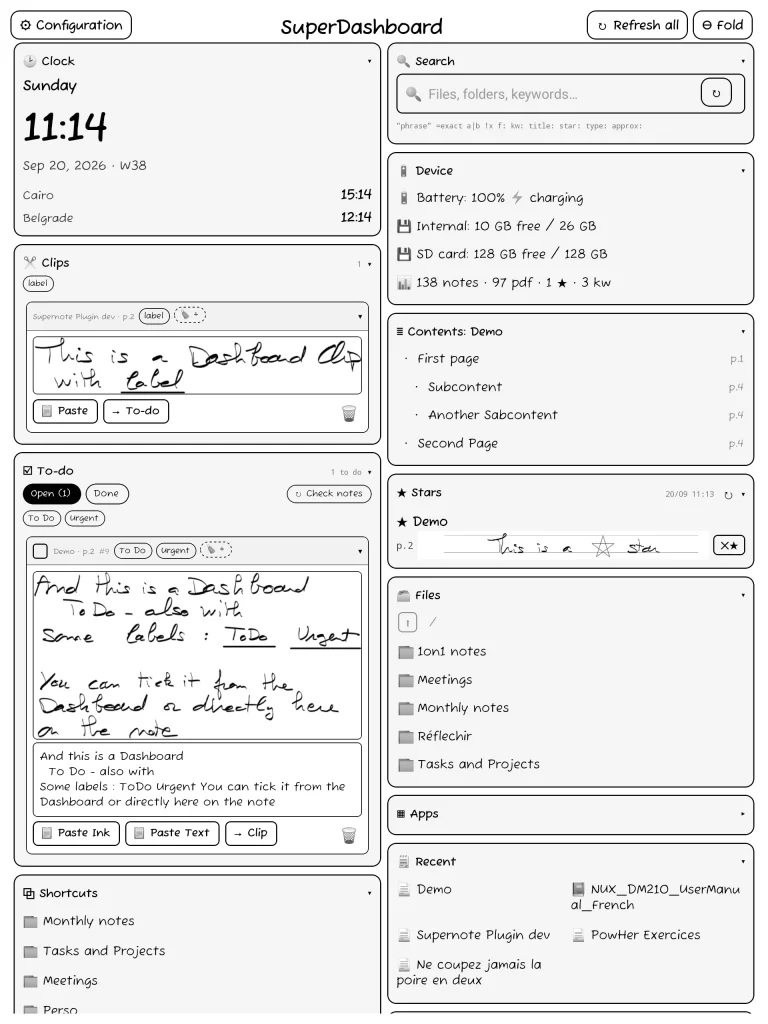
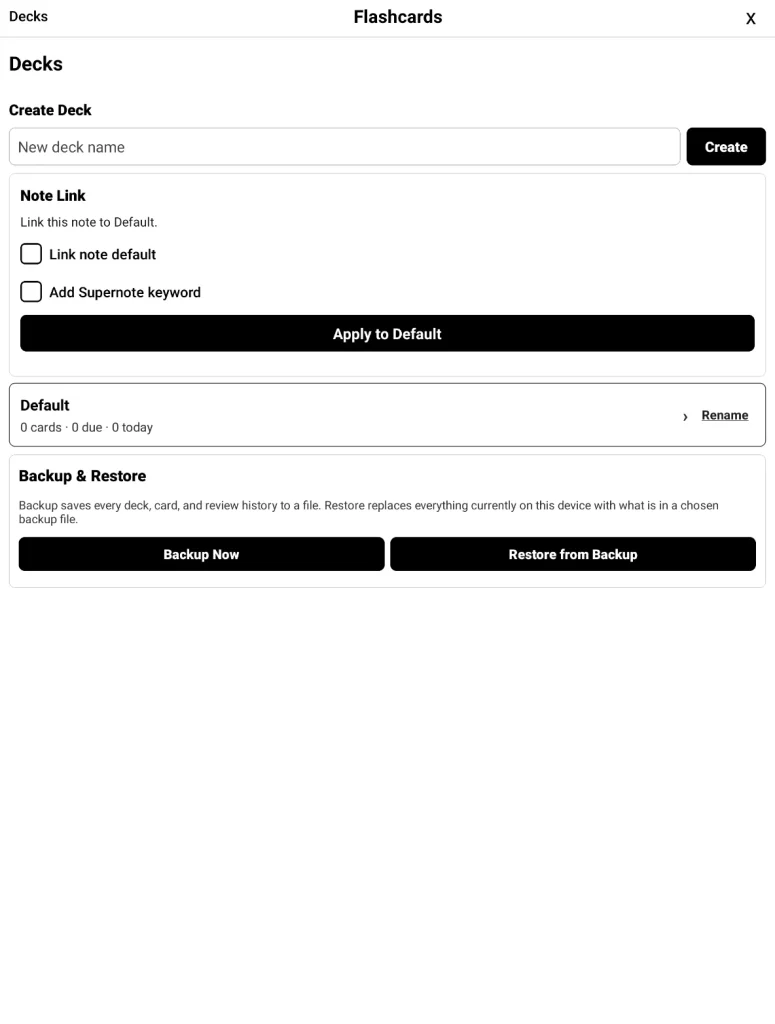
Flashcards
Create decks, add cards manually, turn lassoed handwriting into question/answer cards with OCR, study with FSRS scheduling, and move basic text cards between the plugin and Anki Desktop.
by tao22
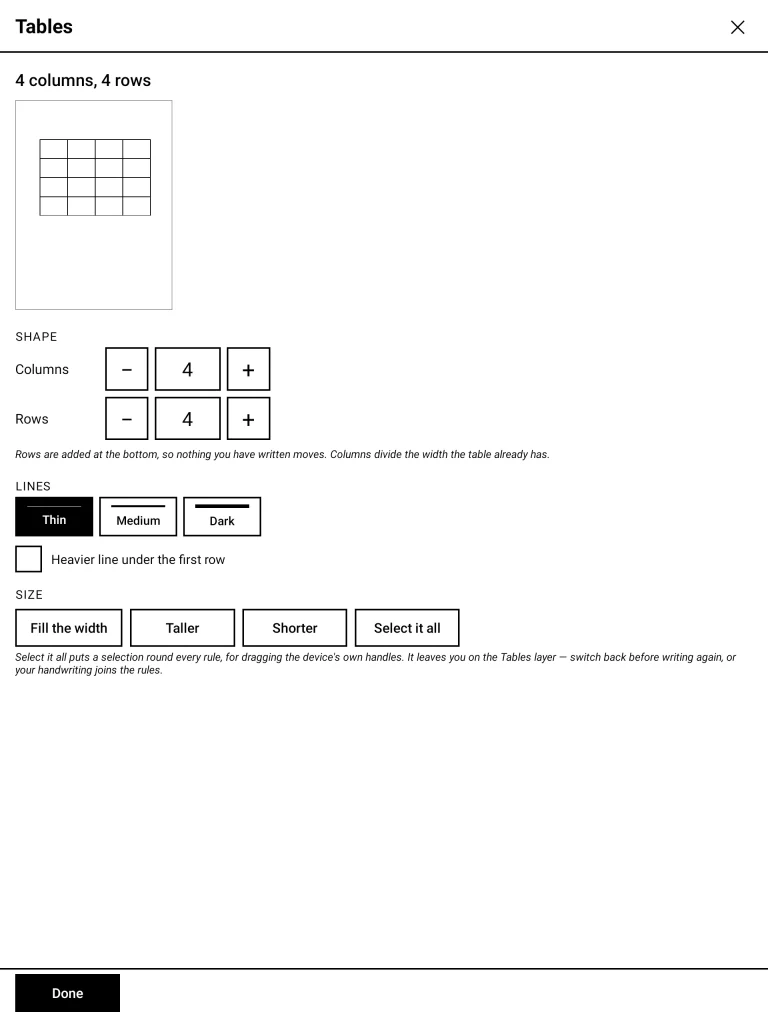
And more!
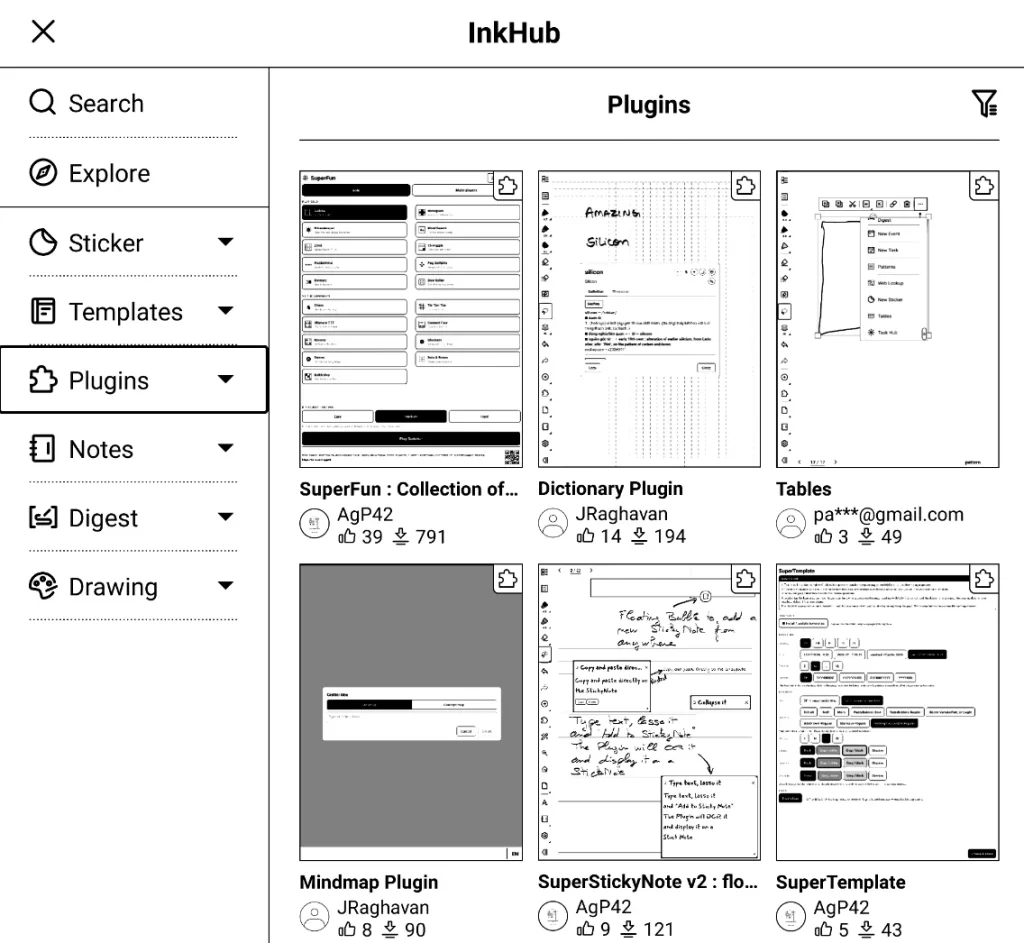
Get one
 InkHub
Browse plugins on Supernote. Tap to install.
Dev Community
Browse plugins on Supernote. Tap to install.
Make one
Can’t find the one your workflow needs? Make it. The docs walk you through your first plugin, start to finish.
Customizable Toolbar
Keep what you use, move the rest. Similar tools now share one button.

Hold the pen on the page, tools open right there.
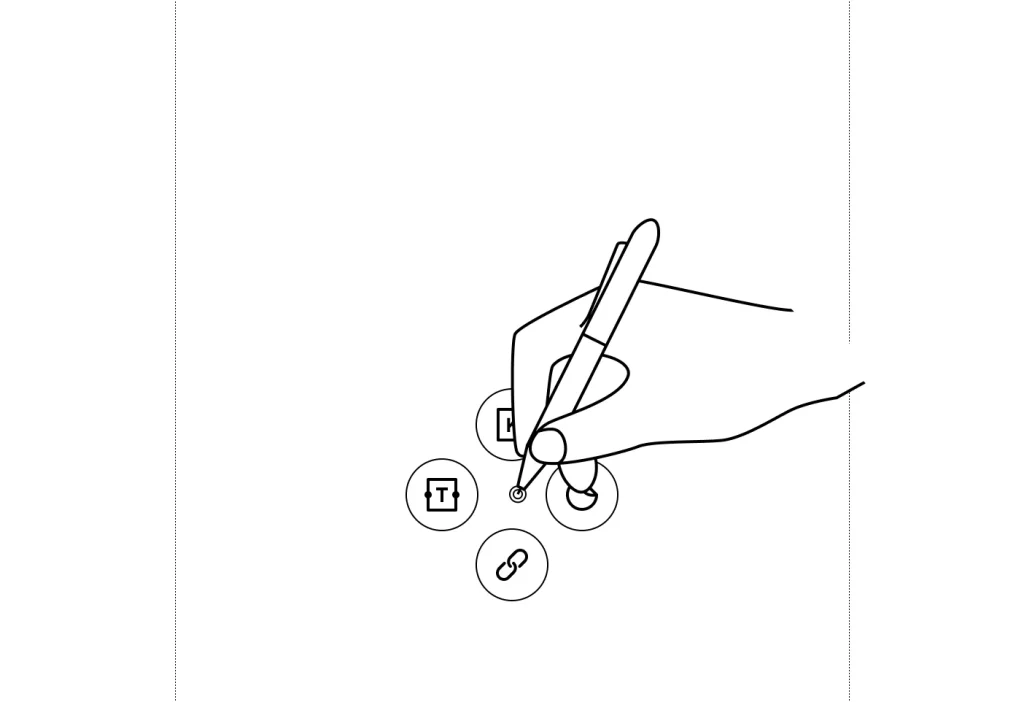
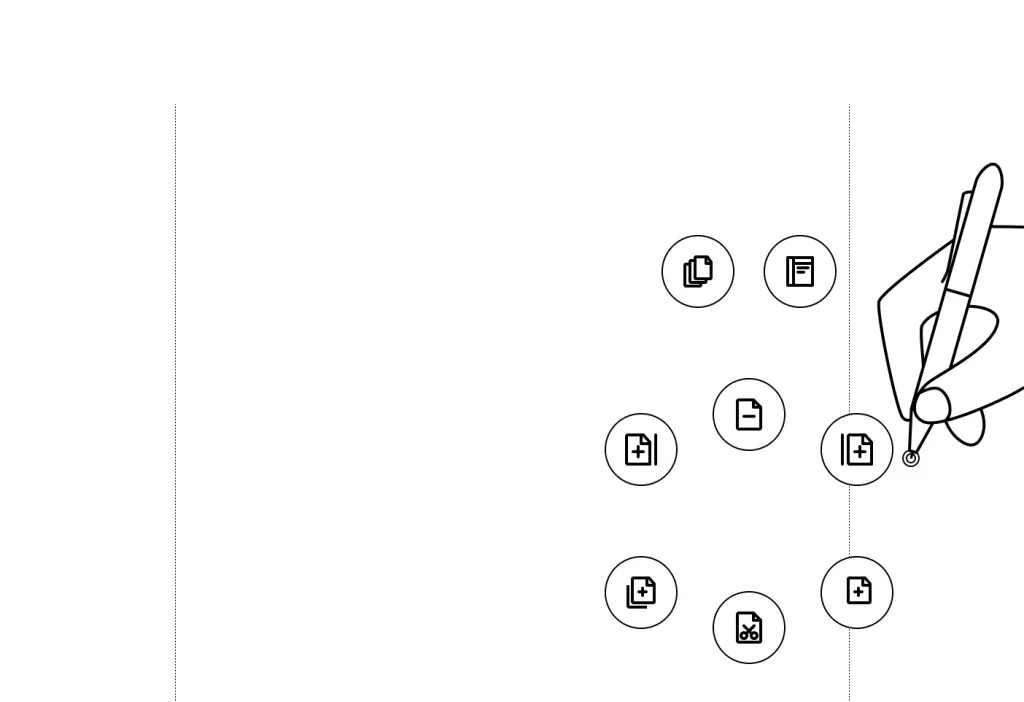
Quick Insert in Note
Press and hold your pen tip in the middle of the page until the insert menu appears.
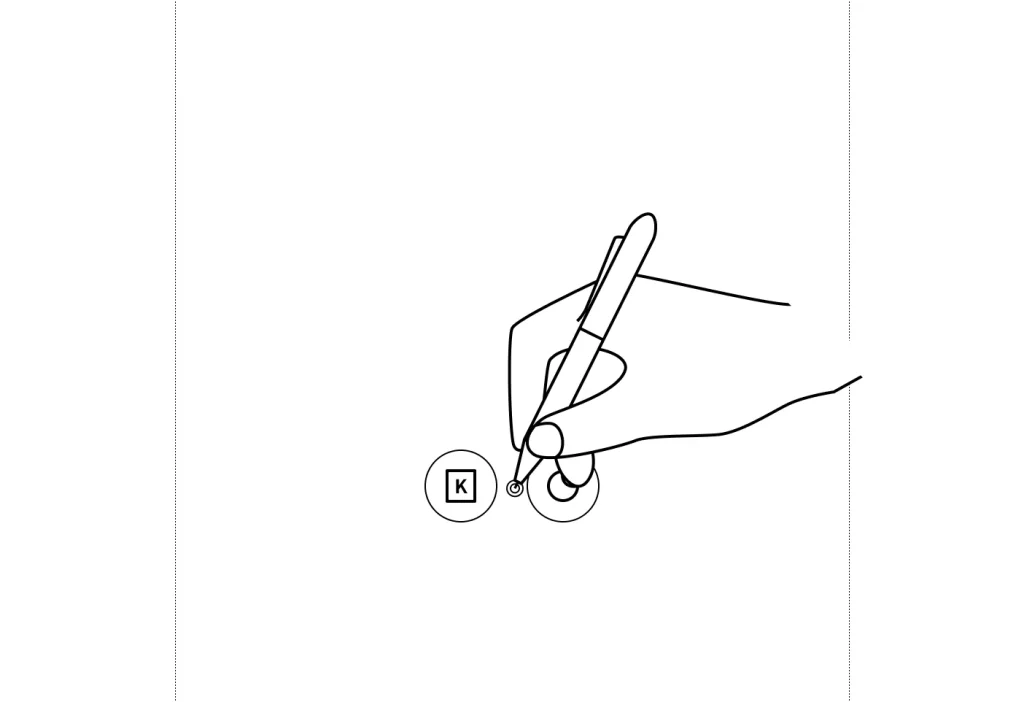
Quick Page Actions in Note
Press and hold your pen tip near the page edge until the page actions menu appears.
Quick Insert in Document
Press and hold your pen tip in the middle of the page until the insert menu appears.
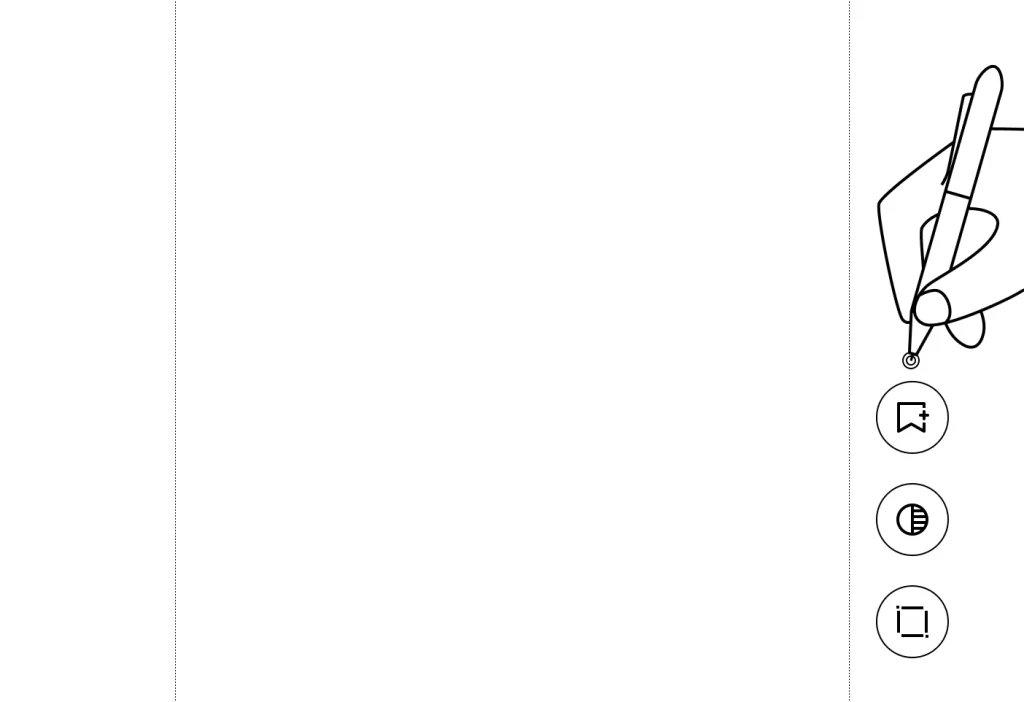
Quick Page Actions in Document
Press and hold your pen tip near the page edge until the page actions menu appears.
Content Transform
Flip handwriting, either way.
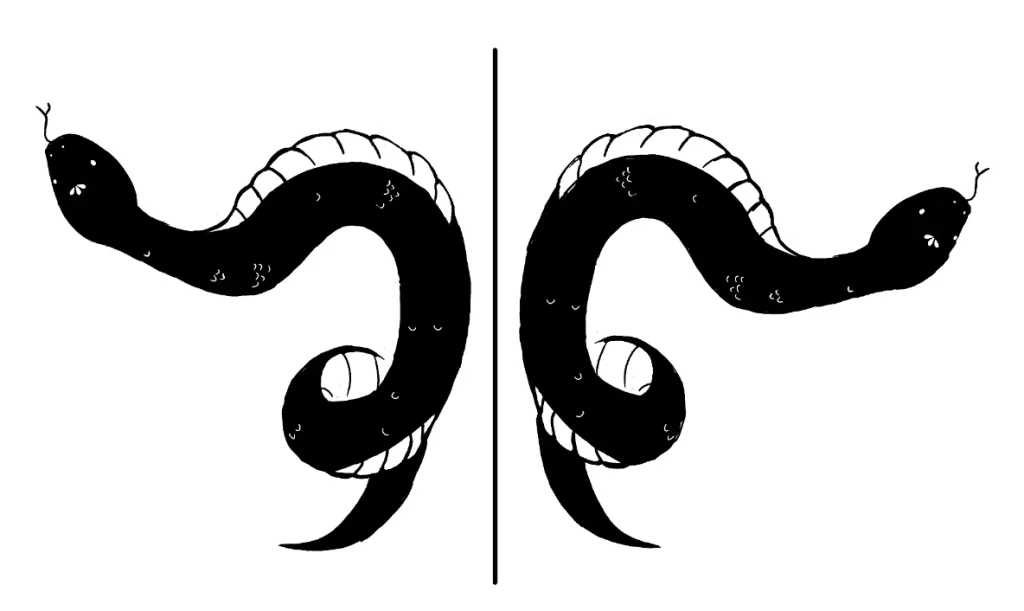
Rotate, and watch the angle.
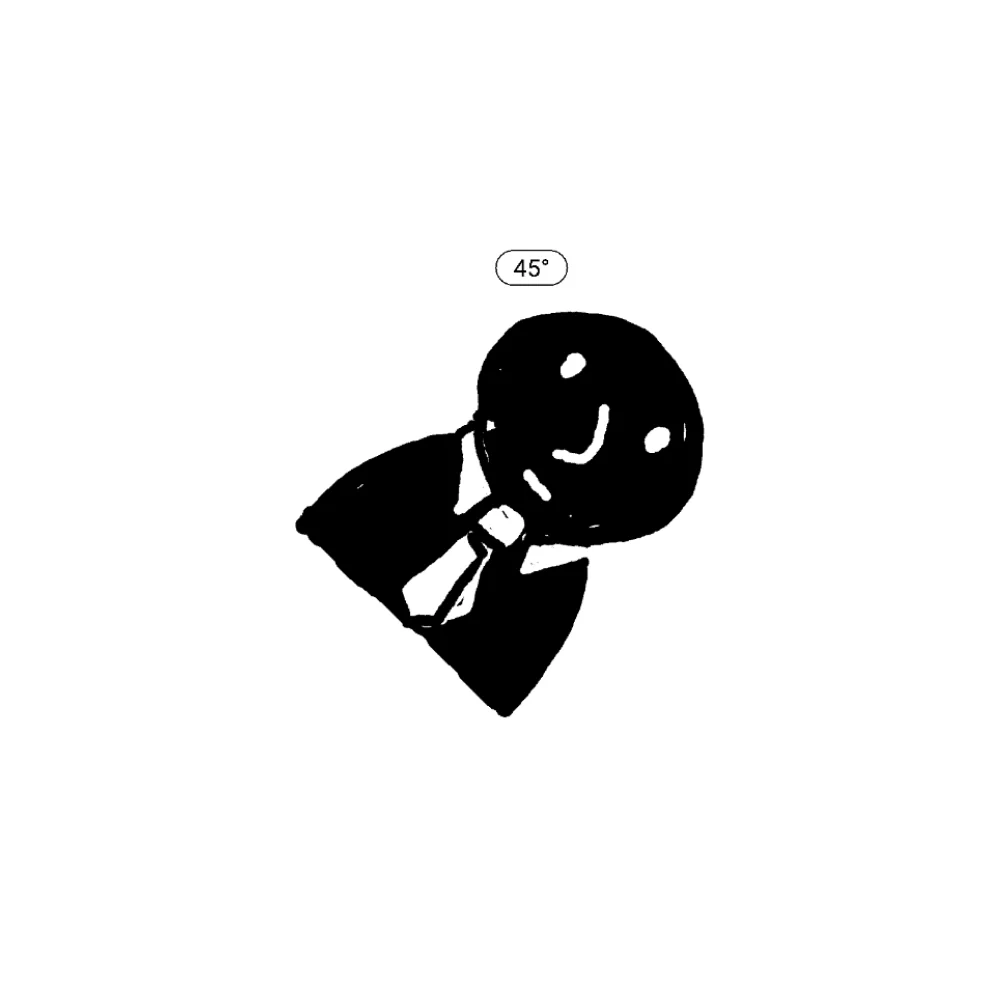
Real time angle display
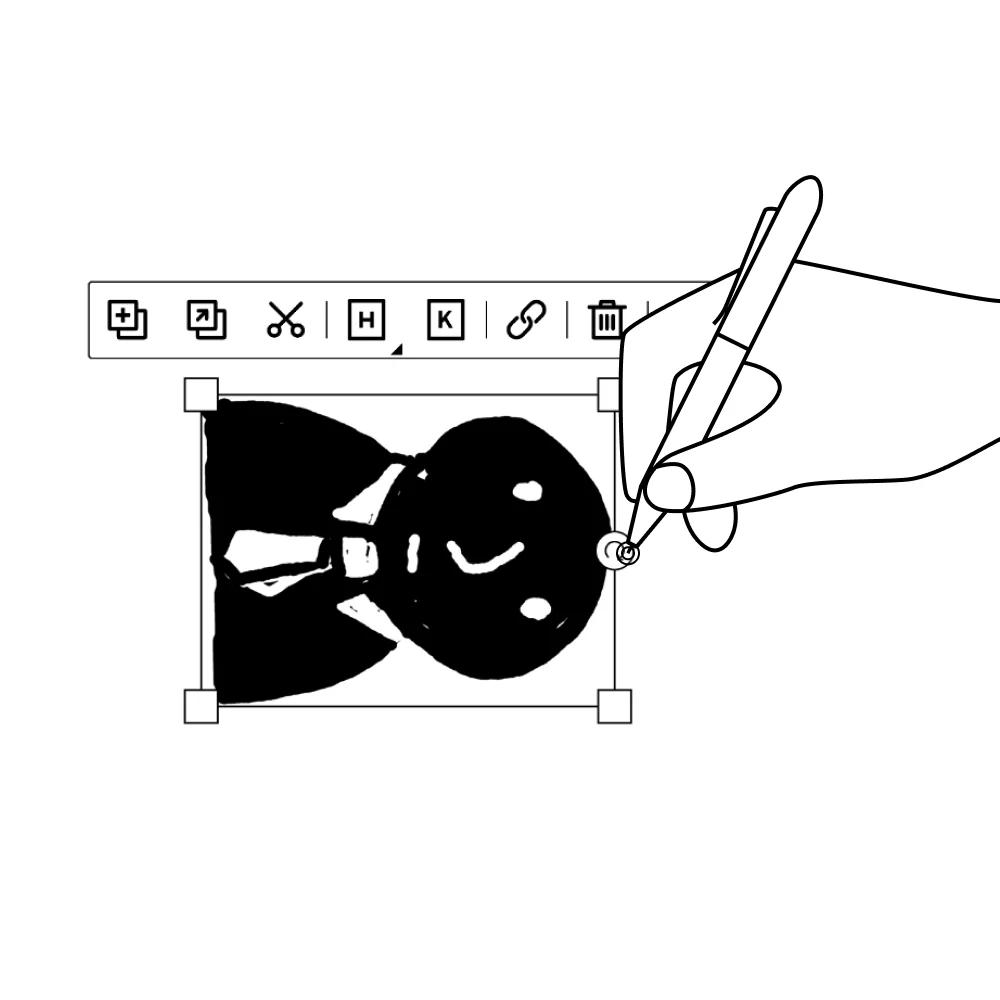
Tap to rotate by 90º
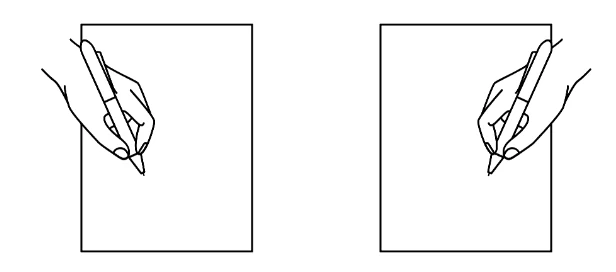
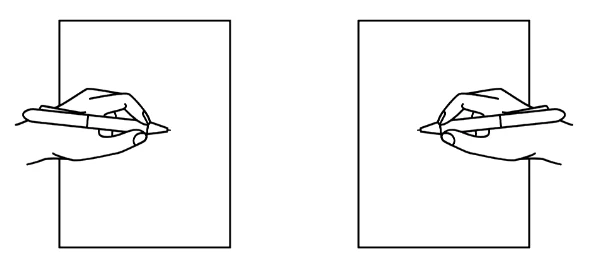
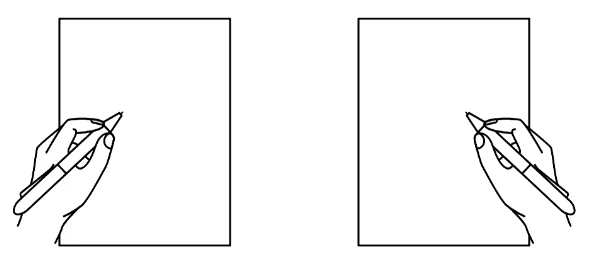
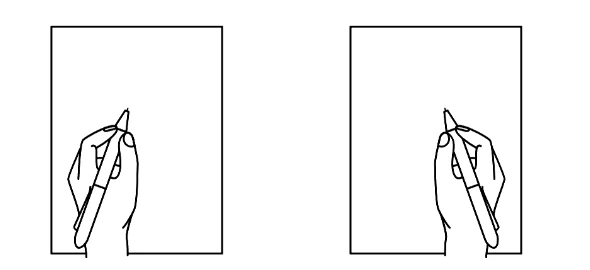
Writing Postures
Left or right hand becomes eight postures, more accurate everywhere it matters.
Choose in “Settings > Gestures > Writing Posture”
Third-Party Apps
Two apps made for E Ink, now in the Supernote App Store.
Opens many ebook formats. Reflows scanned PDFs. Highly customizable.

A lightweight browser with a reader mode. Saves pages as EPUB.